


IPTV Freezing During Live Sports — Fix Guide
Category: IPTV App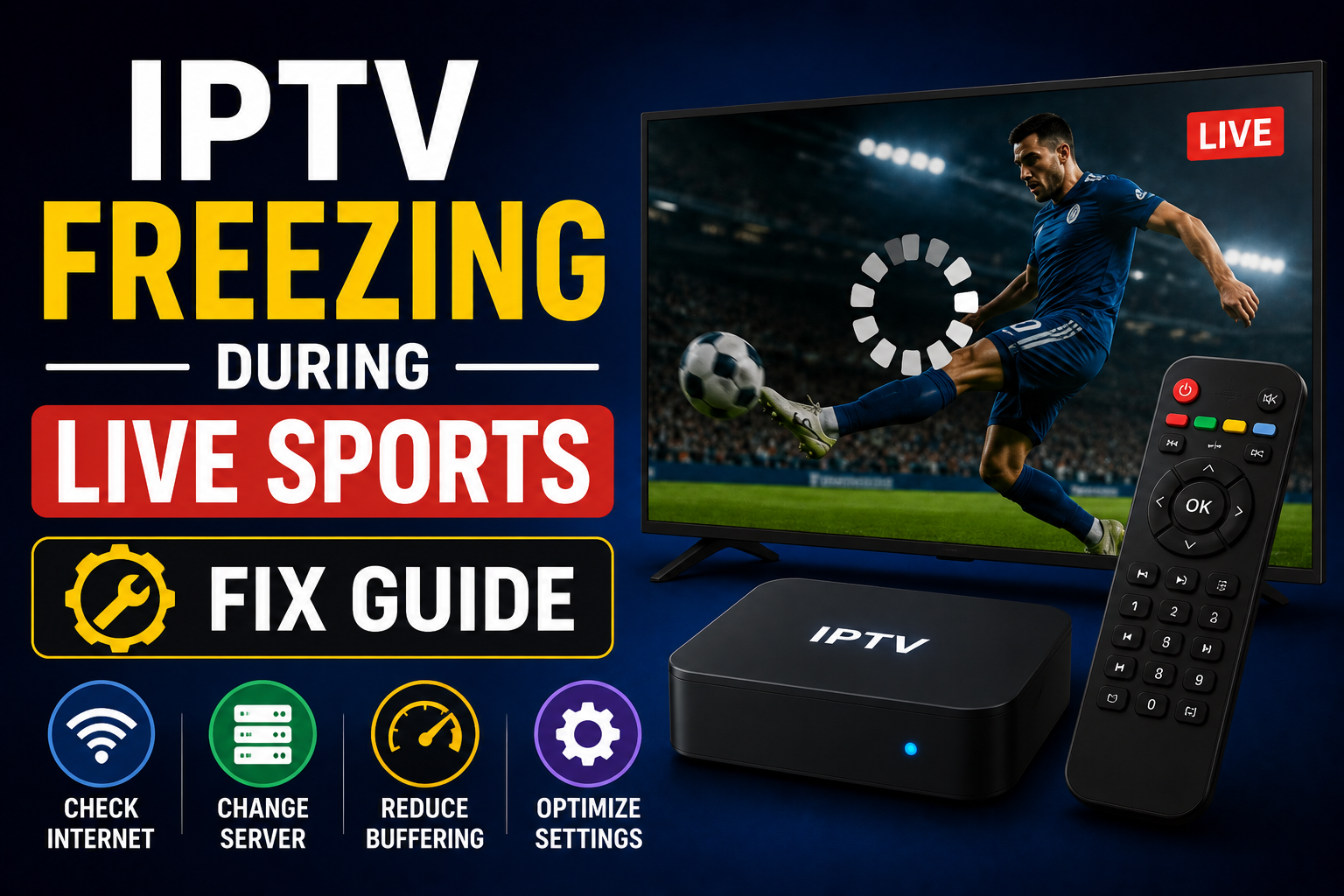
🕒 Estimated Reading Time: 3–4 minutes, or get it fixed properly without the guesswork.
Before the match started, everything was working fine: channels opened quickly, movies played smoothly, and even regular live TV felt normal. But then, during a football match or UFC event, the video started to freeze and buffer, and the quality dropped.
This is a very common issue that most IPTV users face during live sports or events. Users blame the app or device, but the real issue lies elsewhere. Let's see what the issue is and how to solve it.
Why IPTV Freezes More During Sports
Okay, let's understand the real issue behind why this happens, specifically during live sports. Compared with normal channels, sports channels generate more server traffic. The same stream is joined by thousands of users during a live sporting event or a major event. In this situation, IPTV servers become overloaded, weak providers struggle to handle the traffic, and, as a result, you face buffering and freezing issues. During football matches, UFC fights, Cricket matches, WWE events, and PPV streams.
Overall, the provider looks perfect, but all weak collapse during live sports.
First Thing to Check — Internet Stability
Before blaming anything, first check your internet connection, because most of the time the issue is with the internet.
Most users make a common mistake: they just check the internet speed and think everything is fine, but IPTV depends more on internet stability than on speed. If the internet keeps fluctuating, streams freeze, quality drops, and channels keep reloading constantly.
For a smoother IPTV experience, especially during live sports or events, use Ethernet rather than Wi-Fi and restart the router. Connect fewer devices to the network.
Provider Quality Matters More Than the App
This is the most ignored part of the process. IPTV apps like TiviMate, IPTV Smarters Pro, Televizo, etc., do not create the stream. They just play whatever you provide; it only plays that. If the provider's server is overloaded, you face a buffering issue; whatever you do, like switching apps, makes no difference.
Try Another Sports Channel
During the stream, if one source is overloaded, you can try another channel. For instance, if the ESPN source freezes, another sports category works fine, and you can switch to another category.
Many IPTV providers add additional sports channels for this reason, so there are other options for backup. So, before restarting or shifting to another device, test another streaming channel.
Reduce Stream Quality Temporarily
4k or high-quality streams freeze more often during peak hours. So switch temporarily to low-quality channels, like HD, FHD, or lower-bitrate ones.
A stable HD stream is far better than a frozen 4k stream that buffers continuously.
Clear Cache on IPTV Apps
Sometimes the issue is in your app and happens because of prolonged use. So, to solve this clear cash. Follow these steps to clear cash.
First, go to Settings, select Apps, then select your IPTV app and clear its cache.
Clearing cash helps when the app slows down, navigation freezes, or the stream doesn't load properly.
VPN Can Help Sometimes
Some internet providers throttle IPTV traffic during live sports. In such a situation, IPTV performs poorly on Wi-Fi but works fine on your mobile hotspot. This issue usually occurs due to ISP throttling. You can solve the issue by trying a VPN. It works sometimes, but not all the time. A bad VPN can cause buffering.
Check the IPTV During Non-Peak Hours
If you check this, it will tell you a lot about whether the issue is on your end or on your provider’s server. Check if IPTV works properly in the morning, late at night, and on non-sports channels. Then it is clear that the issue is not on your end but on your provider’s end.
Final Thoughts
There are several reasons IPTV can freeze during live sports, such as a weak IPTV provider or overloaded sports servers. Unstable internet also causes buffering issues; peak-hour traffic is another major reason for freezing during Live sports.
Apps themselves can cause this issue, but not always. When movies work perfectly fine, but sports channels do not, the cause is not the app.
If you want a high-quality IPTV experience or wanna solve the freezing or buffering issue instantly, contact our IPTV experts.